
IronLog
Log every set. Track your history. Watch your strength climb — all on your phone, no account, no cloud.
Download for Android
Free · ~42 MB · Android 7+ · signed release APK
Log every set. Track your history. Watch your strength climb — all on your phone, no account, no cloud.
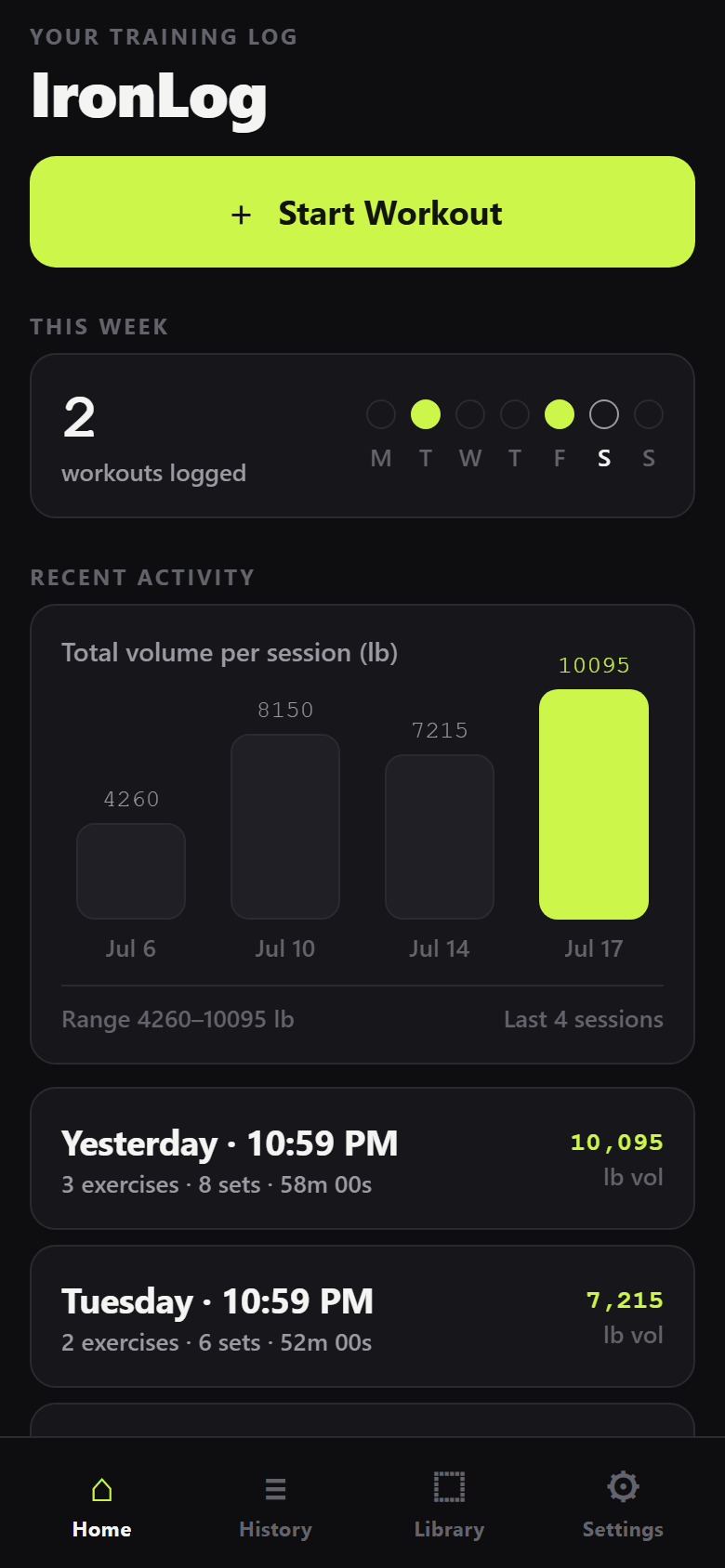
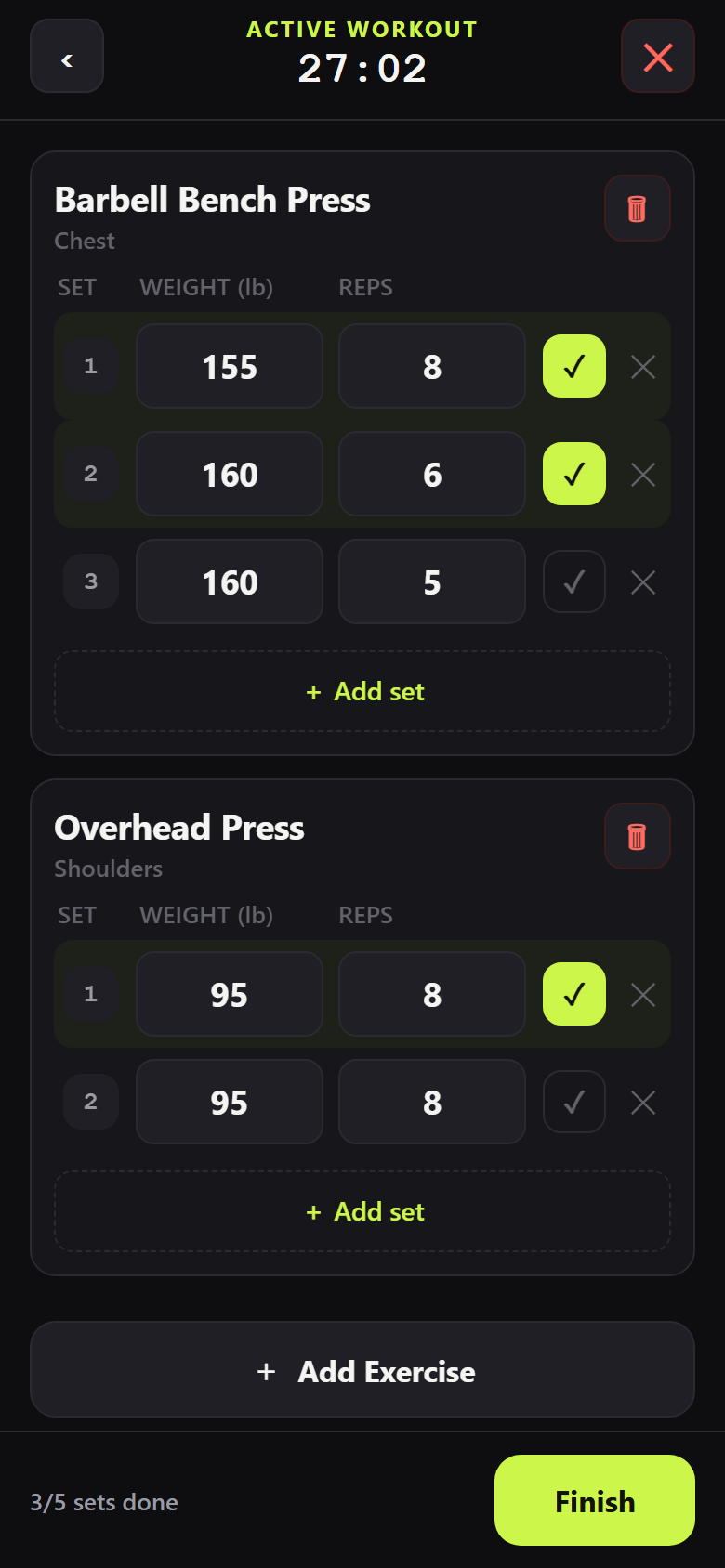
Fast to use mid-set: big buttons, minimal typing, and every new set pre-filled from your last one.
Add exercises, then record each set's reps and weight. New sets pre-fill from your previous set so you barely type.
A built-in library grouped by muscle group and searchable — and add your own custom movements anytime.
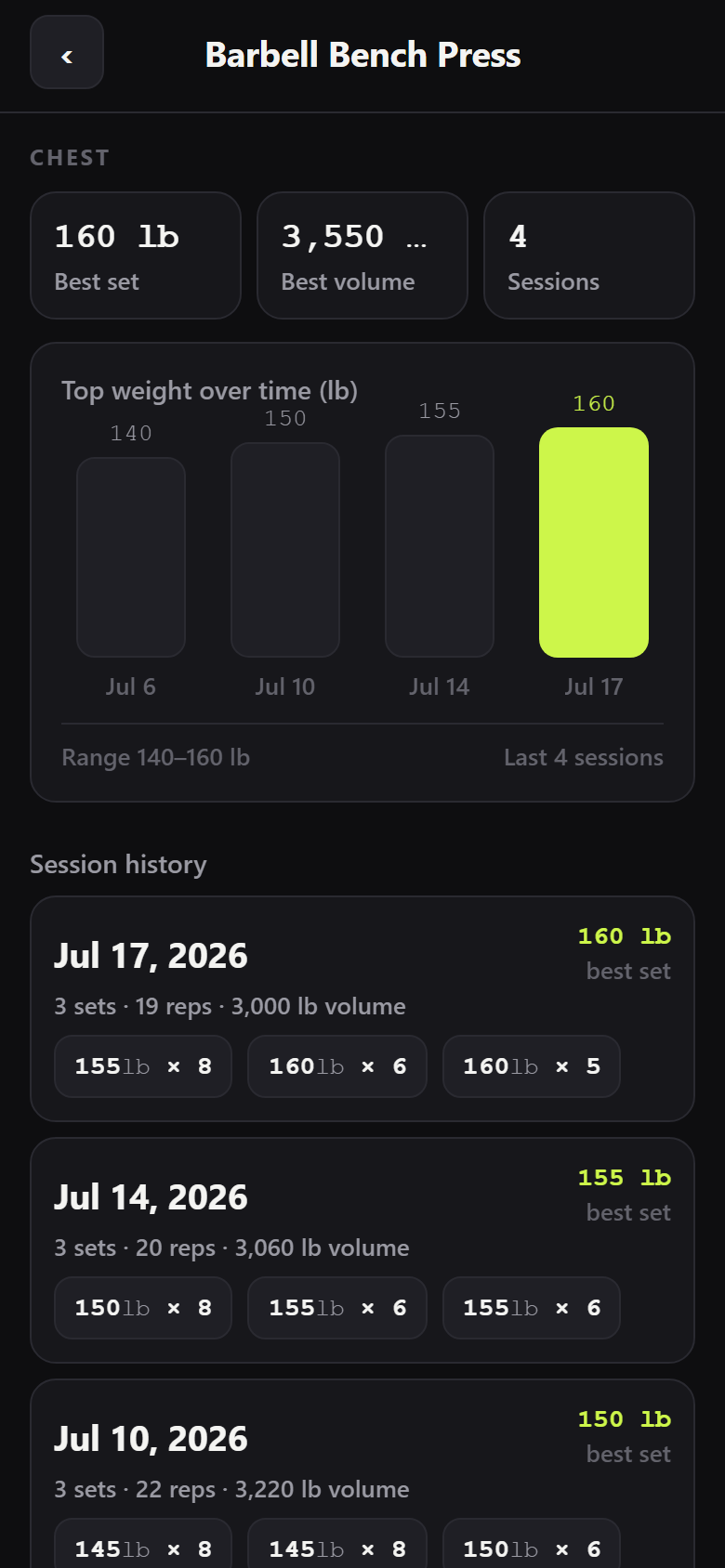
Per-exercise history with your best set and total volume, charted over time. Watch the bar go up.
Every finished workout saved with date, duration and volume — tap any session to see all the sets.
Your training data lives only on your phone. No sign-up, no servers, no network calls, no analytics.
Pick your unit once. Decimal weights supported, and old sets convert on the fly if you switch.
Designed to be readable under gym lights and usable with sweaty hands.
Sideloading takes under a minute.
ironlog-release.apk).The Play Store listing comes later — the full guide is in SHIP.md inside the project files.
On iPhone? IronLog is one codebase that runs on iPhone too — the iOS project is built and ready. Apple requires iPhone apps to be installed through your own free/$99 Apple account (about an hour of setup). SHIP.md walks you through it step by step (TestFlight, no Mac required).
One codebase · iPhone & Android